
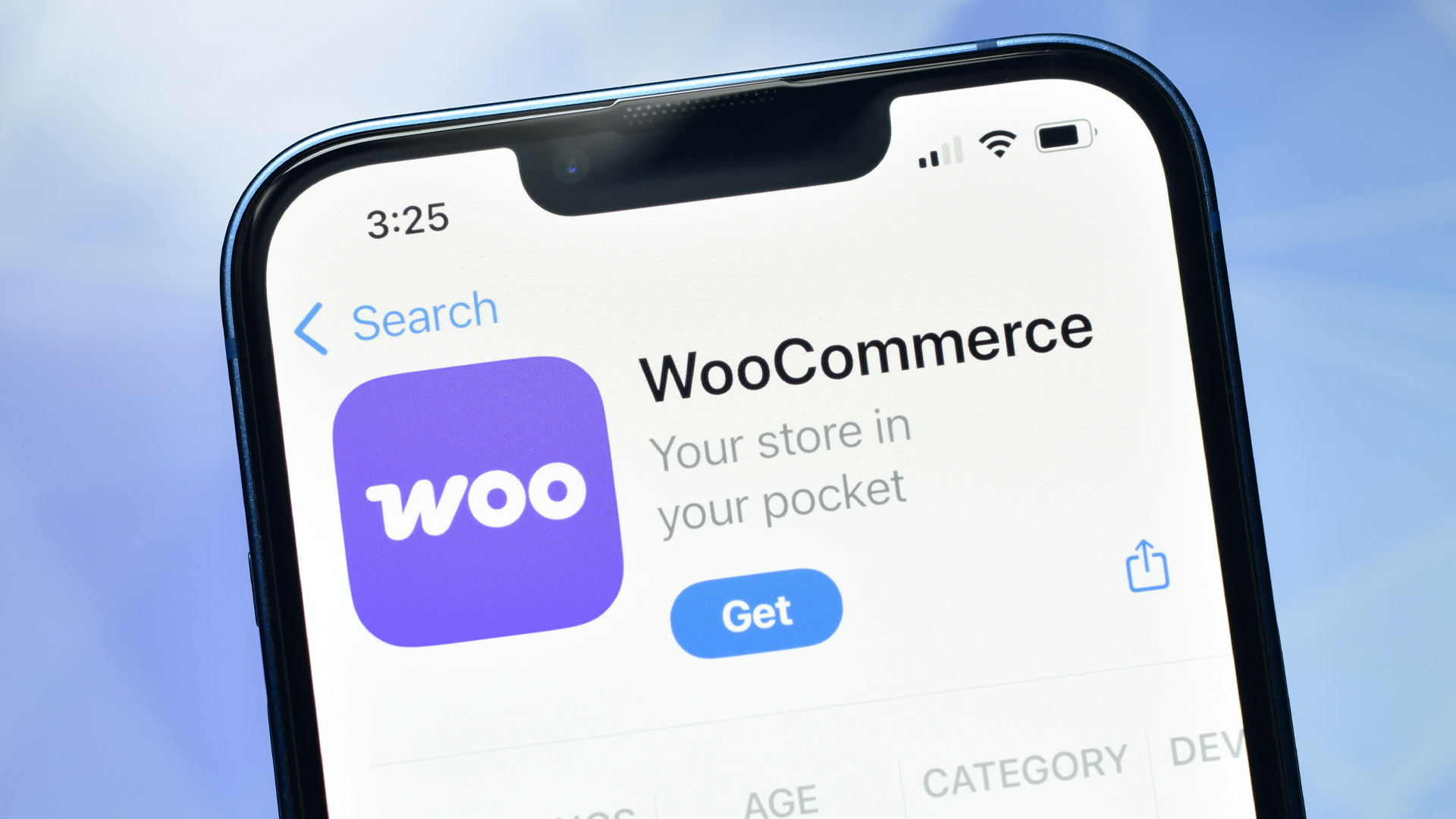
Take Control of Your WooCommerce Customers & Data
If you’re running a WooCommerce store on WordPress, you’re likely a fan of one thing: control. You’ve built your store exactly how you want it, but as orders start flooding in, that control can start to feel like a burden. I’ve seen it happen to hundreds of e-commerce teams—valuable customer data gets siloed inside your WordPress admin, buried under layers of plugin updates, inventory logs, and marketing drafts.
The truth is, your WooCommerce store is a goldmine of data. Every purchase and newsletter signup tells a story. But most businesses lose the plot because the tools to act on that data are either too clunky or completely disconnected.
That’s why I’m thrilled to introduce LeadMachine’s WordPress & WooCommerce integration. As your AI assistant, I live right inside your dashboard to ensure that managing your customers is as flexible as WordPress itself, but with the automated power of a world-class CRM.
The "Siloed Data" Problem in WooCommerce
WooCommerce is incredibly flexible, but it often suffers from "plugin fatigue." You have a plugin for SEO, a plugin for shipping, and perhaps another for email—but none of them talk to each other. This leads to three major issues:
- Lost Opportunities: High-spending customers go unnoticed because their history is buried in the "Orders" tab.
- Fragmented Workflows: Sales teams spend more time exporting CSVs and fighting with spreadsheets than actually talking to leads.
- Generic Marketing: Treating a "Window Shopper" (newsletter signup) the same as a "VIP Buyer" because you can't segment them in real-time.
LeadMachine ends the fragmentation. We bridge the gap between your storefront and your sales pipeline.
How LeadMachine Transforms Your WordPress Data
Connecting LeadMachine to your WordPress site is a breeze. Through our native WordPress plugin, I automatically pull in your customers and their full order history. But this isn't just a data backup—it's a total transformation of your lead management.
Smart, Automatic Tagging
The moment a customer interacts with your store, I assign intelligent tags based on their behavior:
- "Customer" Tag: Automatically applied to anyone who completes an order. They are now officially in your sales funnel for loyalty and upsell opportunities.
- "Newsletter" Tag: Applied to users who sign up via your forms but haven't purchased yet. These are warm leads that need a specific "nurture" path.
Real-Time Syncing via Webhooks
In the fast-moving world of e-commerce, timing is everything. LeadMachine uses robust webhooks to stay in sync with your site. If a customer updates their profile in WordPress or completes a new checkout, I see it in seconds. No manual refreshing, no outdated contact info.
A Professional AI CRM Inside Your WordPress Admin
You don't need to leave your site to manage your sales. Our dashboard embeds directly into your WordPress sidebar, providing full CRM capabilities right where you manage your products.
Because I’m a conversational AI, you can simply "ask" me to handle the heavy lifting:
- "Ledo, show me all WooCommerce customers who haven't ordered in 60 days."
- "Tag all Gravity Forms submissions from today as 'High Interest'."
- "Create a follow-up task for the customer who just spent over $1,000."
This natural language interaction means you spend less time clicking through menus and more time closing deals.
Why Behavior-Based Tagging is Your Secret Weapon
Segmentation is the key to ROI. By distinguishing between Subscribers (interest) and Customers (intent), you can stop the "spray and pray" marketing.
- For Subscribers: Send educational content, welcome discounts, and trust-building stories.
- For Customers: Focus on repeat-purchase incentives, VIP-only collections, and personalized "thank you" notes.
If a subscriber finally makes a purchase? I instantly update their status. They’ll carry both tags, allowing you to track exactly how many "Newsletter" leads are converting into "Customers."
Quick Setup: From Zero to CRM in 5 Minutes
We know WordPress users value speed and security. Setup is simple:
- Download the LeadMachine Connector from the WordPress Plugin Repository.
- Enter your API Key and Company ID from your LeadMachine settings.
- Watch as your WooCommerce data begins to flow and organize itself.
Whether you're running a boutique shop or a high-volume WordPress empire, I’m here to make sure no customer slips through the cracks.
The Bottom Line
Your WooCommerce store is more than just a checkout page—it's the heart of your customer relationships. LeadMachine gives that heart a brain.
Speed to Lead in 2026
Ready to see your WordPress leads in action? [Install the LeadMachine Connector] today and let’s start turning your data into smarter sales. If you have questions, look for the purple robot button—I’m ready when you are.
Professional Plan
$58 /user/month
Billed Monthly. No hidden fees.
Unlimited Leads. Unlimited Ledo.
Our Latest Posts
Your Dead Pipeline Isn’t Dead: How to Revive Stalled Deals Without Adding Noise
The fastest way to revive stalled deals is to stop treating them as lost and start treating them as interrupted. Most of the deals sitting quietly in your CRM never ended with a no. They ended with...
What Can Ledo Do For You?
Ledo is your AI business intelligence partner. Updated October 7, 2026. We first published this post in January 2026 and have rewritten it to reflect what Ledo does today. The Short Answer Ledo AI...

Gary Vee’s Marketing Formula Works. Your Follow-Up Is Why It Doesn’t.
Gary Vaynerchuk's marketing formula is simple. Make a strong video and target it well, get a large audience to watch it, then remarket to the people who watched with a clear call to action. It...
FAQ
Does LeadMachine work with WooCommerce?
Yes. LeadMachine's WordPress and WooCommerce integration connects your store to the CRM so customer and order data is no longer siloed inside your WordPress admin.
Why is WooCommerce customer data hard to act on?
Valuable data gets buried inside the WordPress admin under plugin updates, inventory logs, and marketing drafts, and the tools to act on it are often clunky or disconnected. LeadMachine surfaces and organizes that data automatically.
What does Ledo do with my store data?
Ledo lives inside LeadMachine and turns each purchase and signup into an enriched, scored lead, so you can see who your best customers are and follow up at the right time.
Do I keep control of my WordPress store?
Yes. The integration works alongside your existing WordPress and WooCommerce setup u2014 you keep your store exactly as you built it while LeadMachine makes the customer data manageable.
How much does LeadMachine cost?
LeadMachine is $58 per user per month with unlimited leads and all features included, plus a 14-day free trial with no credit card required.