

AI CRM deal prioritization
Every morning, somewhere, a sales rep opens HubSpot, stares at 25 active deals, and tries to figure out where to start.
They end up sorting by last-touched date. Or by gut. Or by whoever emailed them last. Then they spend the first ninety minutes of the day doing the mental work their CRM was supposed to do for them.
This is not a personal failure. It is a product failure. And most people using CRMs today are living inside it without realizing the cost.
What “Full Visibility” Actually Means in Most CRMs
HubSpot gives you a pipeline view. Pipedrive gives you a pipeline view. Salesforce gives you a pipeline view, plus eleven ways to filter it and a certification program to help you understand the difference.
What none of them give you is a ranked list that says: these three deals need your attention right now, in this order, for these specific reasons.
That gap is not an oversight. It reflects an assumption buried in how traditional CRMs were built: that the sales rep’s job is to interpret the data. The CRM organizes. The human prioritizes.
That assumption made sense when CRMs were databases. It does not make sense when AI exists.
The Real Cost of Manual Prioritization
When a rep has to figure out their own queue every morning, a few things happen consistently.
The loudest deals win. The deal where someone just replied to an email, or where the rep feels personal momentum, gets worked first. The deal that actually has the strongest intent signals but has been quiet for a week gets buried.
Recency bias replaces signal. Last-touched date is not a proxy for deal health. A deal touched two weeks ago that has a buying committee asking questions is worth more than a deal touched yesterday that has gone cold. Most CRMs cannot tell the difference. Most reps, under time pressure, cannot either.
Decision fatigue sets in before the first call. By the time a rep has spent an hour manually triaging their pipeline, they are already tired. The cognitive load of figuring out what to do is burning the same fuel needed to actually do it.
None of this shows up on a dashboard. It shows up in missed closes, in stalled deals, in a win rate that should be higher than it is.
What an AI CRM Does Differently
An AI CRM does not show you everything and ask you to sort it. It watches the pipeline continuously and narrows the field before you arrive in the morning.
This is the operating philosophy behind LeadMachine and the AI assistant built into it, Ledo. He is not a reporting tool. He does not wait for you to ask him questions. He monitors deal activity, enrichment signals, lead behavior, and timing context, and he surfaces the work that actually needs to happen next.
The difference is not cosmetic. It is architectural.
When you open LeadMachine in the morning, Ledo has already done the prioritization. He has looked at every deal in your pipeline, compared it against engagement signals and timeline context, and produced a ranked action queue. Not a filtered view. Not a report. A queue with a reason attached to each item.
“This deal has gone 11 days without contact. Their trial expires Friday.”
“This lead opened your pricing page three times in the last 48 hours. No one has followed up.”
“This prospect replied two days ago. No response from your team.”
That is not a dashboard. That is a briefing.
Why This Matters More Than It Sounds
The sales teams that close the most deals are not the ones working the hardest. They are the ones working on the right things at the right time.
That sounds obvious when you say it out loud. But the tools most teams use are actively working against it. They are optimized for storage, reporting, and customization, not for decision support.
A CRM that can hold ten thousand leads and show you fourteen ways to visualize your pipeline is not helping you close deals. It is helping you manage complexity. Those are different jobs.
The Calm Operator philosophy that drives LeadMachine’s product design starts from a simple premise: the best operators are not the ones working the hardest. They are the ones working with the clearest signal. AI should reduce the cognitive load of running a pipeline, not add to it. The rep who arrives in the morning and immediately knows what to do, without having to construct their own prioritization framework, has an advantage that compounds over time.
How LeadMachine Handles Morning Prioritization
When you log into LeadMachine, Ledo’s Focus Mode surfaces a primary action card with the single most important deal or lead action for right now, a secondary panel of up to five next actions, and a deeper queue behind it.
You do not need a framework. You do not need to build a custom view. You do not need to develop a morning ritual for sorting by last-touched and then second-guessing it.
You open the app. Ledo tells you where to start. You start.
If you want to understand why he ranked something the way he did, you can ask him. He will explain. But you do not have to. You can just work the queue.
This is not a small thing for a rep who is managing twenty-five active deals, handling inbound leads, and trying to hit a monthly number. The decision overhead that most CRM users accept as normal is not normal. It is just what bad tooling has trained them to expect.
The HubSpot Framework Problem
When the Reddit thread asks “how do you prioritize deals in HubSpot every morning,” the answers are genuinely interesting. People share custom views, filtered lists, manual scoring frameworks, sorting heuristics developed over months of trial and error.
That collective ingenuity reflects smart people solving a real problem. It also reflects a CRM that offloaded its core job onto its users.
The fact that there is a thriving discussion about how to prioritize deals in HubSpot is not a sign that HubSpot is a rich, flexible tool. It is a sign that HubSpot does not prioritize deals for you, and users have had to build workarounds to compensate.
LeadMachine was built so that conversation does not need to happen. The prioritization is the product, not a feature you configure.
What to Do If This Is Your Morning Right Now
If you are opening a CRM every day and rebuilding your own work queue from scratch, you are not using a CRM that fits how selling actually works. You are using a database and calling it intelligent.
LeadMachine offers a 14-day free trial, no credit card required. Ledo connects to your pipeline and starts surfacing prioritized actions from day one. There is no setup process that takes weeks. There is no certification required to understand it.
If your current system requires a morning ritual just to figure out where to start, it may be time to try a CRM that already knows.
Start your free trial at app.leadmachine.fyi/register.php
Frequently Asked Questions
Q: What makes an AI CRM different from HubSpot’s AI features?
A: HubSpot has added AI-assisted features on top of a CRM architecture that was built before AI existed. An AI CRM like LeadMachine was designed from day one with AI as the operating layer, not an add-on. The result is that prioritization, enrichment, and action recommendations are built into how the product works, not bolted on through a separate tool or premium tier.
Q: How does LeadMachine prioritize deals without manual configuration?
A: Ledo, the AI assistant inside LeadMachine, monitors your pipeline continuously. He factors in engagement signals, lead enrichment data, time since last contact, deal stage timing, and lead behavior on your website or Shopify store to produce a ranked action queue. You do not define the scoring model. He works from context.
Q: Can LeadMachine replace HubSpot for a small sales team?
A: For most small sales teams and growing businesses, yes. LeadMachine handles lead capture, pipeline management, lead enrichment, and AI-guided prioritization at $58 per user per month with no feature tiers and no hidden fees. Teams that do not need enterprise marketing automation or deep custom reporting often find LeadMachine does more of the actual selling work at a fraction of the cost.
Q: What integrations does LeadMachine support?
A: LeadMachine integrates with Shopify, WordPress, Facebook Lead Ads, Google Calendar, Mailchimp, and Gravity Forms. It installs as a PWA on any device and connects via webhook for additional lead sources.
Q: Is there a free trial?
A: Yes. LeadMachine offers a 14-day free trial with no credit card required. You can start at app.leadmachine.fyi/register.php
Professional Plan
$58 /user/month
Billed Monthly. No hidden fees.
Unlimited Leads. Unlimited Ledo.
Our Latest Posts
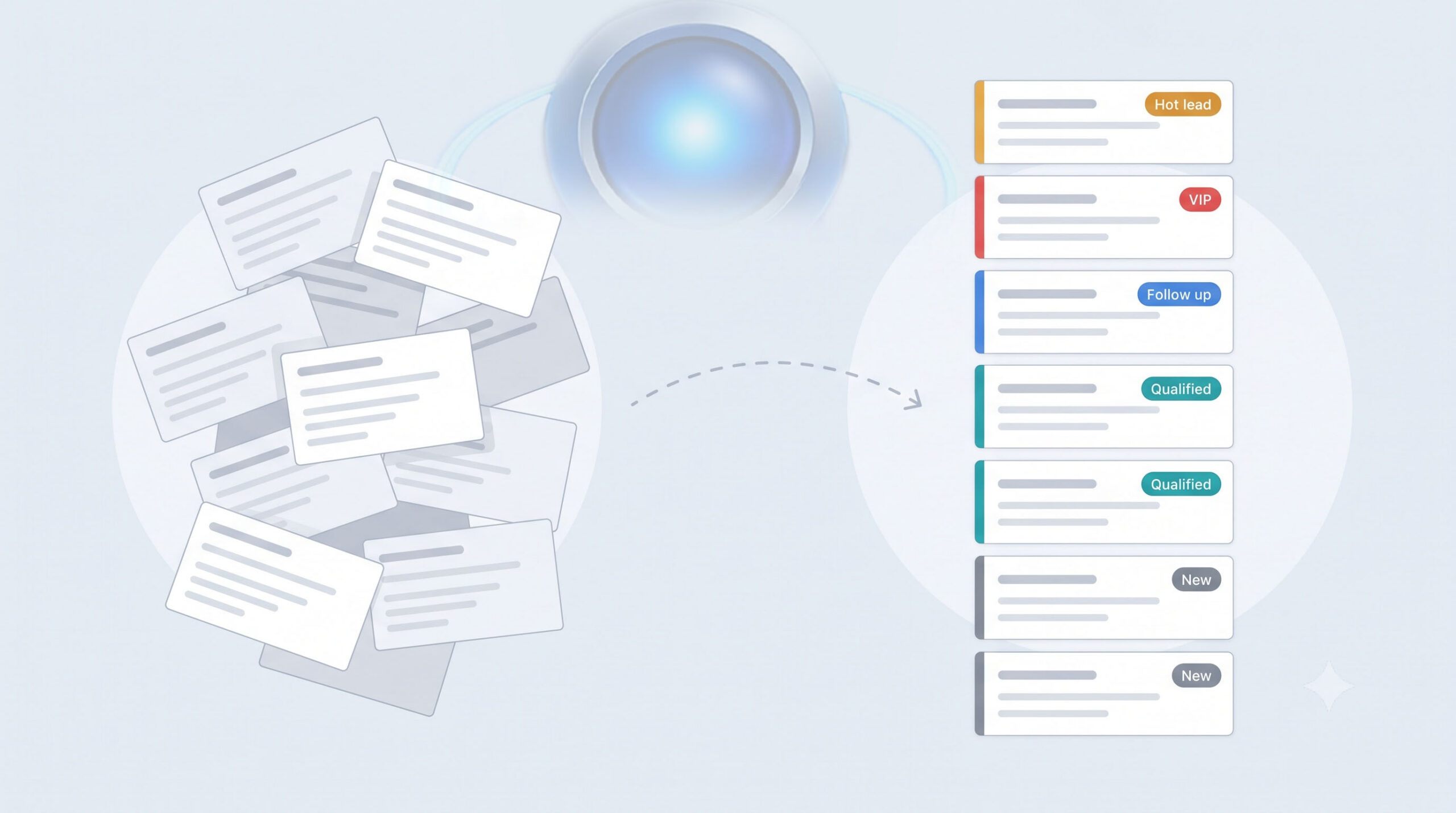
CRM Tags: How to Organize Leads Without Drowning in Them
A CRM tag is a label you attach to a lead or contact to mark something true about them right now: hot, cold, VIP, spam, ready to close. Unlike a lead’s type or status, which are usually fixed by the…

HubSpot Alternatives for Small Business That Actually Work
LeadMachine is the alternative to Hubspot You outgrew your spreadsheet. Good. That means the business is working. Then you looked at HubSpot. Maybe you signed up for the free tier. Maybe you got a…

What Is an AI-Native CRM? The Complete Guide for Sales Teams
AI First? An AI-native CRM, also called an AI-first CRM, is a customer relationship management platform designed from the ground up to use artificial intelligence as its core operating layer, not as…